LlamaIndex SQL: Safe Natural Language Queries
LlamaIndex SQL can turn a plain-language question into a database query, run it, and explain the result. The challenge is giving the model enough schema context to choose the right tables and columns without filling the prompt with the whole database. TL;DR: keep the schema narrow, inspect generated SQL, and add schema retrieval only as the database grows. For focused, one-question-at-a-time tools, NLSQLTableQueryEngine turns questions into answers directly.
This guide covers building that path, improving schema selection, and choosing between text-to-SQL LlamaIndex and a LangChain SQL agent. You’ll learn to:
- connect a LlamaIndex database safely;
- restrict and describe the relevant schema;
- inspect generated SQL before trusting an answer;
- move to schema retrieval only when the database grows.
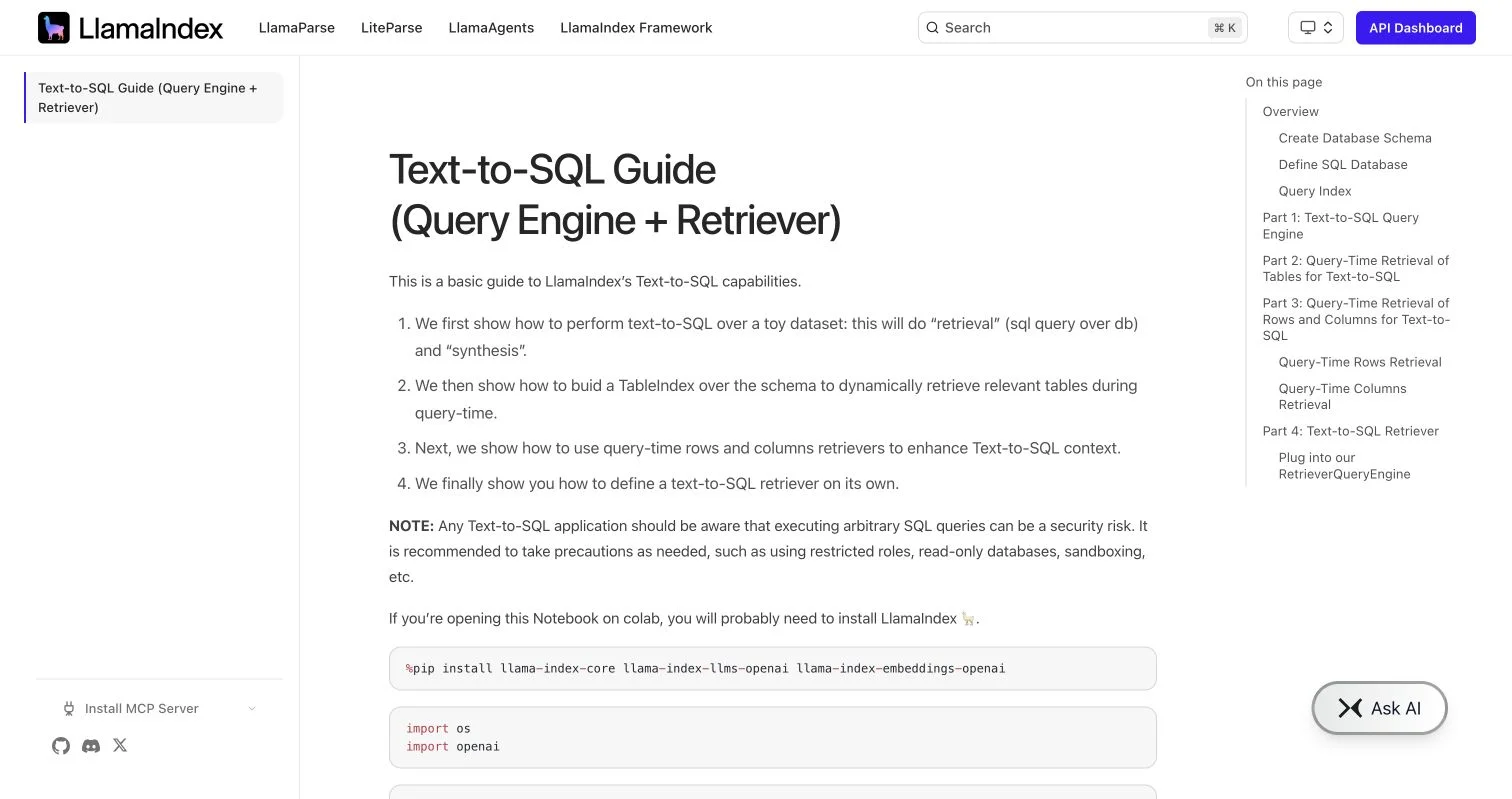
LlamaIndex’s official guide covers query-engine, schema-retrieval, row-retrieval, and column-retrieval patterns, while warning that arbitrary SQL execution requires restricted roles and other safeguards.
How NLSQLTableQueryEngine works
NLSQLTableQueryEngine answers natural-language questions over relational data. For each request, it gives the model the user’s words, SQL dialect, and schema, runs the generated SQL through the configured connection, and can turn the rows into a readable answer. The official LlamaIndex text-to-SQL guide describes this as retrieval plus response synthesis.
| Stage | Input | Output |
|---|---|---|
| Question | Which campaign had the best return last month? | Natural-language request |
| Schema context | Campaign, spend, conversion, and revenue fields | A map for the model |
| SQL generation | Question plus schema | A SQL statement |
| Execution | Generated SQL | Database rows |
| Synthesis | Rows plus the original question | A readable answer |
In a single-query scenario, one focused database operation answers each request. The SQL may still include a join, aggregation, subquery, or common table expression, provided the application needs no open-ended tool-call loop.
A LlamaIndex database wrapper does not teach the model undocumented business rules, and text-to-SQL code does not replace access control. It only provides a controlled route from language to SQL; accuracy still depends on schema context, model quality, and testing.
LlamaIndex or a LangChain SQL agent?
For a known reporting area, I’d start with LlamaIndex SQL and a narrow table list; fewer moving parts make generated SQL easier to inspect. Choose an agent to explore unfamiliar databases, retry errors, call multiple tools, or combine database work with other actions.
| Decision point | NLSQLTableQueryEngine | LangChain SQL agent |
|---|---|---|
| Typical job | One question, one focused answer | Multi-step investigation |
| Table handling | Fixed tables or a supplied table retriever | Agent lists tables and requests schemas |
| Error recovery | Add application logic if retries are needed | Agent can revise SQL after an error |
| Query checking | Your validation layer | Toolkit includes a query-checking tool |
| Predictability | Higher when scope is narrow | More flexible, with more steps and model calls |
| Best fit | Embedded reports, internal lookup, simple analytics | Exploratory analysis and tool-rich workflows |
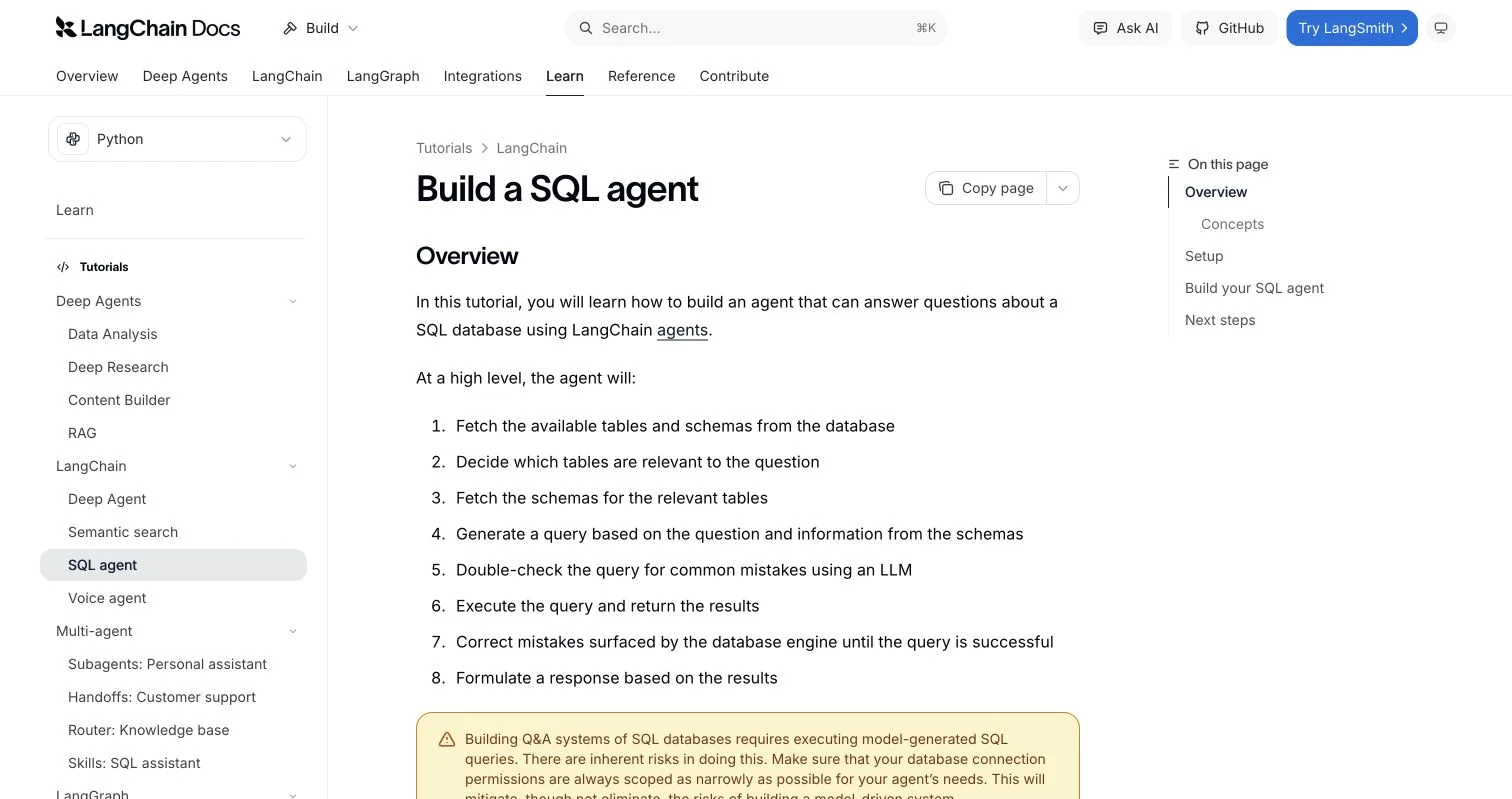
LangChain’s current SQL agent tutorial shows an agent listing tables, fetching schemas, generating and checking SQL, executing it, and correcting errors. That helps when the route is unknown but adds needless machinery when every question concerns two marketing tables.
This is a default, not a platform limit. LlamaIndex supports agents and workflows; LangChain supports simple chains. For optimized single queries, NLSQLTableQueryEngine makes requests easier to measure, secure, and explain.
A first query
Start with a small SQLite copy or read-only analytics database. Suppose campaigns has campaign_id, name, channel, and spend; conversions has campaign_id, converted_at, and revenue. Initially, expose only those tables through the LlamaIndex database integration.
- Install LlamaIndex, its model integration, SQLAlchemy, and the driver for your database.
- Create the SQLAlchemy engine.
- Wrap it with SQLDatabase and limit visible tables.
- Build NLSQLTableQueryEngine with the same table list.
- Run a known question and inspect both the answer and generated SQL.
from sqlalchemy import create_engine
from llama_index.core import SQLDatabase
from llama_index.core.query_engine import NLSQLTableQueryEngine

db_engine = create_engine('sqlite:///marketing.db')

sql_database = SQLDatabase(
    db_engine,
    include_tables=['campaigns', 'conversions'],
)

query_engine = NLSQLTableQueryEngine(
    sql_database=sql_database,
    tables=['campaigns', 'conversions'],
    context_str_prefix=(
        'Revenue is stored in USD. Return on ad spend is '
        'SUM(revenue) / SUM(spend). Use converted_at for date filters.'
    ),
    synthesize_response=True,
    verbose=True,
)

response = query_engine.query(
    'Which campaign had the highest return on ad spend last month?'
)

print(response)
print(response.metadata.get('sql_query'))
Before constructing the engine, configure the language model through LlamaIndex’s current model integration or Settings. Package imports change over time, so pin tested versions and compare the example with the current LlamaIndex source signature.
Do not trust a plausible sentence: verify the date field, join, numerator, denominator, and null handling. Fluent answers built on wrong SQL remain wrong.
Better schema context
Schema context maps natural language to SQL; column names tell only part of the story. The model also needs table grain, join paths, business definitions, time zones, units, and coded-value meanings. Documenting one spend row per campaign and many conversion rows prevents spend multiplication after a join.
| Database size | Schema strategy | Why |
|---|---|---|
| 1 to 5 relevant tables | Pass an explicit tables list | Smallest prompt and simplest behavior |
| Several domains with known routes | Create one engine per domain | Keeps marketing and IT meanings separate |
| Many tables with unknown relevance | Retrieve table descriptions at query time | Avoids sending the entire schema |
| Ambiguous values or codes | Retrieve example rows or column values | Helps map user words to stored values |
The LlamaIndex guide warns that pulling every schema can overflow the model’s context. Its advanced text-to-SQL example therefore retrieves relevant table schemas and optional sample rows. Start with fixed tables; retrieval adds an embedding index, tuning, and another failure point.
When needed, describe SQLTableSchema objects in business language and create an ObjectIndex. Set similarity_top_k as low as possible while retaining required joins; start by testing two or three tables, not treating that range as universal.
- State the table’s grain: one row per order, user, or daily campaign.
- Name primary and foreign-key relationships in plain language.
- Define metrics such as active customer, net revenue, and resolved incident.
- Record units, time zones, soft-delete rules, and valid status values.
- Keep secrets and personal data out of schema descriptions and sample-row indexes.
Schema retrieval often beats a longer generic prompt by supplying the question’s specific facts.
Schema retrieval without losing simplicity
A large LlamaIndex database does not require a full agent; you can keep one query call while selecting schema per request. Index well-described table objects, then pass the retriever to SQLTableRetrieverQueryEngine or the current NLSQLTableQueryEngine table_retriever parameter.
from llama_index.core import VectorStoreIndex
from llama_index.core.objects import (
    ObjectIndex,
    SQLTableNodeMapping,
    SQLTableSchema,
)
from llama_index.core.query_engine import SQLTableRetrieverQueryEngine

table_schemas = [
    SQLTableSchema(
        table_name='campaigns',
        context_str='One row per campaign; spend is total campaign spend in USD.',
    ),
    SQLTableSchema(
        table_name='conversions',
        context_str='One row per conversion; join on campaign_id; revenue is USD.',
    ),
    SQLTableSchema(
        table_name='support_tickets',
        context_str='One row per IT ticket; resolved_at is null while open.',
    ),
]

mapping = SQLTableNodeMapping(sql_database)
table_index = ObjectIndex.from_objects(
    table_schemas,
    mapping,
    VectorStoreIndex,
)

retrieval_engine = SQLTableRetrieverQueryEngine(
    sql_database,
    table_index.as_retriever(similarity_top_k=2),
)
This retrieves SQL schemas and generates a database query within one query-engine request. Test the retriever separately. For each evaluation question, record whether top results included the required tables. Even a perfect SQL generator fails if the join table never reaches its prompt.
The Spider 2.0 benchmark contains 632 enterprise tasks, with databases often exceeding 1,000 columns and workflows that may exceed 100 SQL lines. Its launch results reported 17.1% success for o1-preview and 10.1% for GPT-4o, versus 86.6% for GPT-4o on Spider 1.0. The gap warns against treating complex enterprise workflows as bigger single queries.
Integration patterns
In production, separate natural language SQL generation, validation, execution, and presentation behind one user request. NLSQLTableQueryEngine can generate SQL without running it via sql_only; disable synthesize_response when the application needs raw results.
| Pattern | Configuration | Good use |
|---|---|---|
| Direct answer | Execute and synthesize | Low-risk internal lookup |
| Review before run | sql_only enabled | Analyst approval or sensitive data |
| Structured API | Synthesis disabled | Charting, exports, and downstream code |
| Domain endpoint | One engine and table set per domain | Marketing, finance, or IT portals |
Use this request path:
- Classify the request into an approved data domain.
- Select a fixed NLSQLTableQueryEngine or a tested schema retriever.
- Generate SQL and reject statements outside the allowed policy.
- Apply row limits, query timeouts, and cost controls.
- Execute with read-only credentials.
- Return rows or synthesize a short answer.
- Log the question, selected schema, SQL, timing, and outcome without storing sensitive values.
Caching repeated questions can cut costs, but keys must include the normalized question, schema version, tenant, and data-freshness rule to avoid serving yesterday’s answer as current. For dashboards, I prefer structured rows with application code handling labels and formatting. Synthesize a response only when a short explanation helps.
Accuracy, safety and common pitfalls
Generated SQL is executable input, so database safety comes first. LlamaIndex’s documentation and source recommend restricted roles, read-only databases, and sandboxing, which matter more than prompts asking the model to be careful.
| Item | What to check | Why it matters |
|---|---|---|
| Permissions | SELECT-only user and approved views | Blocks writes if generation fails |
| Scope | Explicit tables, columns, and tenant filters | Reduces data exposure |
| Query cost | LIMIT, timeout, and scanned-data ceiling | Prevents runaway warehouse bills |
| Validation | Parse SQL and allow approved statement types | Catches multiple statements and unsafe commands |
| Evaluation | Known questions with expected rows | Measures correctness, not confidence |
| Monitoring | SQL, latency, errors, and empty-result rate | Finds drift after schema changes |
Build a prelaunch test set. In a narrow use case, fifty representative questions can expose obvious problems. If 45 return expected rows, execution accuracy is 90%, an internal measurement, not proof every future question will work. Include awkward dates, nulls, duplicate joins, zero denominators, misspelled business terms, and requests that should be refused.
Common failures and fixes:
- Wrong metric: document the business formula in schema context.
- Double counting: state each table’s grain and test joins with known totals.
- Wrong date: identify the business date and time zone.
- Missing table: raise retrieval recall or improve table descriptions.
- Valid but expensive SQL: impose timeouts and inspect query plans.
- Convincing wrong answer: display or retain the generated SQL for review.
Four examples
Start with bounded questions, small named schemas, clear checks, and answers a subject specialist can verify.
| Team | Natural-language question | Needed context | Verification |
|---|---|---|---|
| Marketing | Which paid campaign had the highest ROAS last month? | ROAS formula, currency, conversion date | Compare with a trusted monthly report |
| IT | Which service had the most P1 incidents this quarter? | Severity values, service join, business time zone | Match the incident dashboard total |
| Finance | Which customers have invoices more than 30 days overdue? | Due date, paid status, credit-note treatment | Reconcile a sample with accounts receivable |
| Customer success | What was churn by plan in June? | Churn definition, plan history, effective dates | Check several customer timelines manually |
Marketing may need only a fixed NLSQLTableQueryEngine over campaigns and conversions; IT may need incidents and services. Finance should usually query a selected view because raw payment tables can obscure accounting rules. Churn is most deceptive: if the organization cannot agree on a plain-language definition, the model cannot invent one.
Start with ten questions from one team, recording the correct SQL or expected result for each. Add question types only after the set is stable. The slower pace is less thrilling but produces a LlamaIndex SQL tool people can trust.
Conclusion
NLSQLTableQueryEngine suits cases where one question maps to one focused database answer. Keep the LlamaIndex database scope small, document business meaning alongside column names, inspect generated SQL, and compare execution results with a test set. Add SQL schema retrieval only when fixed table lists fail; use a LangChain SQL agent or other multi-step workflow when tasks must inspect the database, retry failed queries, and coordinate tools.
Begin with one domain and ten verified questions. Give the connection SELECT-only access, log the selected schema and SQL, and expand only after results survive real schema changes. That turns text-to-SQL LlamaIndex from demo into useful database interface.