AI SQL Tools: Query Validation and Security Guide
AI SQL tools let people ask database questions in ordinary language. A marketing manager might type Which campaigns produced repeat customers last quarter? and receive a SQL query, an explanation, or even a chart. But the polished answer can hide a bad join, misunderstood business term, or unsafe command.
You will learn how to:
- Compare common AI SQL tool categories
- Validate results against known business numbers
- Use AI tools for SQL Server and other databases safely
- Build a review process that works for technical and nontechnical teams
What these tools can do
Most AI SQL tools begin with text to SQL, converting natural-language requests into database queries. Better products also inspect the schema, explain assumptions, suggest corrections, and clarify returned data.
A useful system may support the following functions:
- Query generation: Translate questions into
SELECT, aggregation, join, and filtering statements. - Query explanation: Describe tables, joins, filters, calculations, and sorting in simple language.
- Schema discovery: Read approved table names, column definitions, relationships, and comments.
- Error repair: Interpret a database error and propose corrected SQL.
- Improvement: Review execution plans or query structure for costly scans, joins, and repeated work.
- Reporting: Turn query results into summaries, charts, or reusable reports.
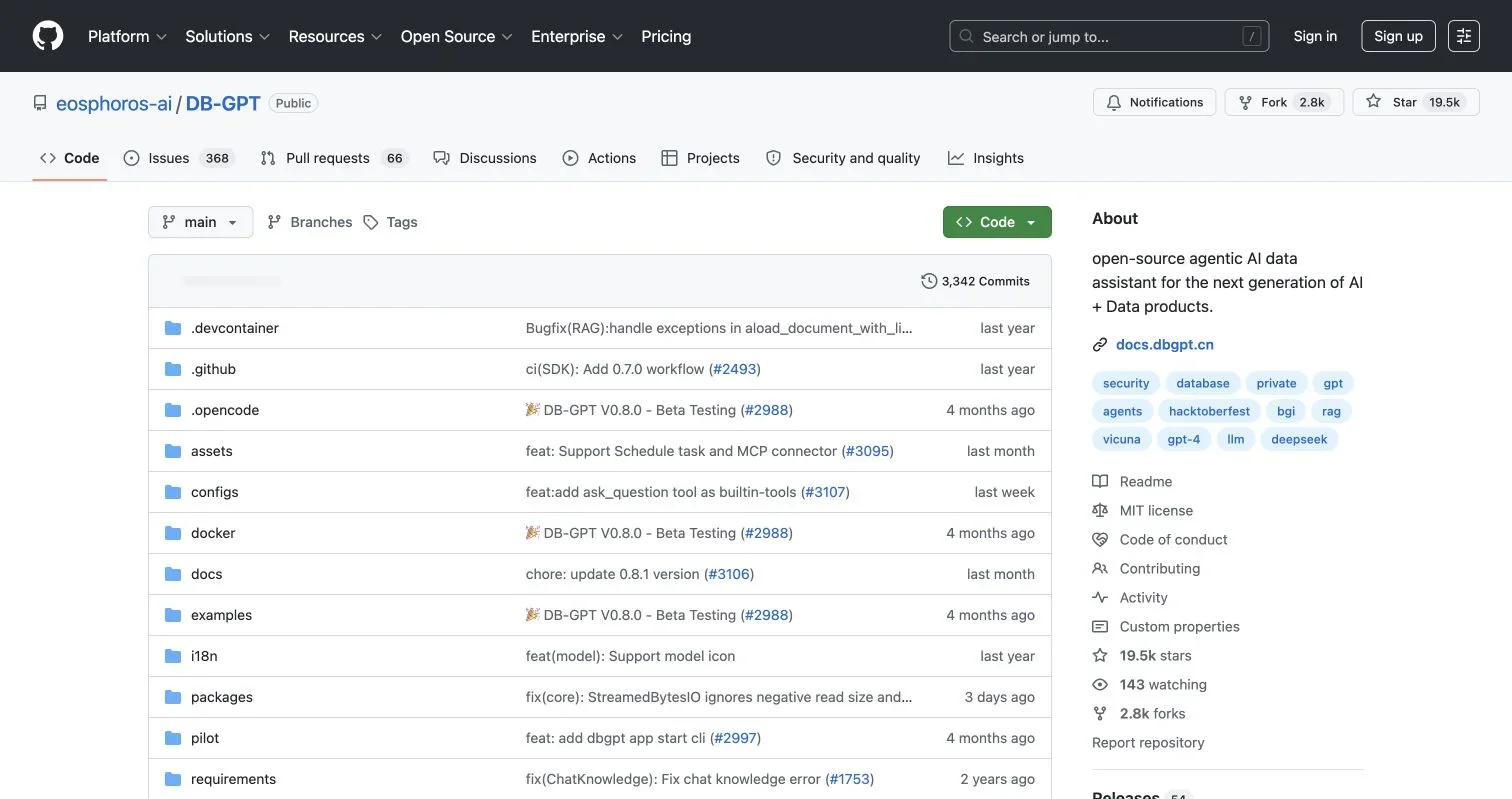
The open-source DB-GPT repository provides a concrete example. Its current documentation describes natural-language-to-SQL, Python analysis, database profiling, reusable skills, multi-source access, and sandboxed execution. It also supports databases, spreadsheets, documents, and knowledge bases. That breadth is useful, but each added source or executable tool requires another permission decision.
Buyers should separate convenience from control. Query generation is convenient; restricting what queries can read or change matters more in production.
How they use your schema
An AI model does not automatically know what your tables mean. It may understand SQL grammar but confuse order_date with payment_date or assume customers.id joins directly to campaign_events.customer_id. Good AI for database work depends on the context supplied with each request.
Effective database AI context usually includes:
- Approved table and view names
- Column names and data types
- Primary and foreign-key relationships
- Business definitions for metrics
- Database dialect, such as T-SQL, PostgreSQL, or BigQuery SQL
- A few reviewed examples of correct questions and queries
Consider the phrase active customer. Marketing may mean a customer who opened an email in 90 days. Finance may mean someone with a paid invoice in 12 months. Column names alone cannot resolve that disagreement. Store the approved definition in a semantic layer, data catalog, view, or prompt context, then ask the tool to state which definition it used.
A practical first request contains four parts:
- Name the business result, such as monthly revenue by acquisition channel.
- Define ambiguous terms, including revenue, customer, conversion, and reporting period.
- State the required grain, such as one row per channel per month.
- Ask the tool to list its tables, joins, filters, and assumptions before showing SQL.
This process improves auditing and query validation while teaching less technical users that tables hold records, joins connect them, and filters select those used in calculations.
Approaches compared
The right AI SQL tool depends on its users, data location, and whether it may execute or only draft queries.
| Approach | Best Fit | Main Benefit | Main Limitation | Security Question |
|---|---|---|---|---|
| Chat assistant without a connection | Learning and drafting | No direct production access | Users must supply schema context and run SQL elsewhere | Will staff paste sensitive schema or data into the chat? |
| Editor or IDE assistant | Analysts and developers | Works near existing SQL files | May lack business definitions | Which files, schemas, and telemetry leave the device? |
| Database-connected assistant | Business intelligence and self-service analysis | Can inspect schema and test queries | A wrong permission can expose many records | Is the connection read-only and limited to approved views? |
| AI tools for SQL Server | Teams using T-SQL, SSMS, or Azure SQL | Can account for SQL Server syntax and plans | Product support varies by SQL Server version | Does it require SHOWPLAN, metadata, or broader privileges? |
| Self-hosted data assistant | Regulated or technically mature teams | Greater control over models and network paths | Requires deployment and monitoring work | Who patches, audits, and operates the system? |
For a first pilot, I prefer a connected tool with a read-only account, access to a small reporting schema, visible SQL, and no automatic execution. Users can see the system’s intent before the database receives anything.
When comparing AI SQL tools, ask vendors to demonstrate failure handling and query validation. Test each tool with an ambiguous metric, missing column, and unauthorized-data request. A trustworthy product should ask for clarification, report the missing information, or refuse the request. Inventing an answer is unacceptable, even with a polished interface.
Accuracy checks and realistic benchmarks
A syntactically valid query can still be wrong. It might duplicate revenue through a many-to-many join, omit refunded orders, use the wrong time zone, or count rows instead of customers. Database acceptance proves only that the SQL runs; validation must confirm the answer matches the business question.
Research benchmarks make this gap clear. Spider 2.0 contains 632 enterprise text-to-SQL workflow problems, with databases that often have more than 1,000 columns. Its published baseline reported that o1-preview solved 17.1% of tasks and GPT-4o solved 10.1%, compared with GPT-4o’s 86.6% result on the older Spider 1.0 benchmark. The associated Spider 2.0 paper also reports queries involving long contexts, multiple SQL dialects, and operations that may exceed 100 lines.
These figures are not universal product scores, but show why simple demo queries are weak buying tests. Build a private evaluation set from your own work.
| Accuracy Check | What to Measure | Suggested Pilot Target |
|---|---|---|
| Syntax success | Query runs without database errors | At least 95% for approved question patterns |
| Result correctness | Output matches reviewed reference results | At least 90% before limited rollout |
| Clarification behavior | Tool asks when the request is ambiguous | 100% for deliberately ambiguous tests |
| Permission handling | Unauthorized requests are blocked | 100% |
| Repeatability | Equivalent wording returns equivalent logic | At least 90% |
| Performance safety | Query stays within row, time, and cost limits | 100% |
These are starting targets, not standards. A payroll, medical, or financial workflow deserves stricter thresholds than exploratory campaign analysis.
A safe generation and review flow
The safest workflow separates generation from execution and places deterministic controls around the model. A second AI can help, but models may share mistakes. Database permissions, parsers, limits, and human review provide stronger boundaries.
The following flow can guide a designer or serve as a basic approval pipeline:
flowchart LR
    A[Business question] --> B[Add approved schema and metric definitions]
    B --> C[AI drafts SQL and states assumptions]
    C --> D[SQL parser and policy checks]
    D -->|Rejected| C
    D -->|Approved SELECT| E[Estimated plan or dry run]
    E --> F[Human review]
    F -->|Approved| G[Read-only execution with limits]
    G --> H[Compare results with control totals]
    H --> I[Return answer with SQL and audit record]
Each stage has a role:
- Prepare context. Send only the schema, examples, and business definitions needed for the question.
- Generate without executing. Require the AI SQL tool to display its query and assumptions.
- Apply policy checks. Reject data-definition and data-changing commands. Check referenced schemas, functions, comments, and multi-statement input.
- Estimate cost. Examine the expected plan, scanned rows, timeout risk, or warehouse cost before execution.
- Review material queries. Have an analyst approve unfamiliar joins, financial calculations, exports, and large scans.
- Execute through a restricted service. Apply read-only transactions, timeouts, row limits, and result-size limits.
- Reconcile results. Compare totals with a trusted dashboard, reviewed SQL, or a small manually calculated sample.
AI tools for SQL Server can inspect estimated plans without executing queries. Microsoft explains that SHOWPLAN_XML produces compile-time plan information, while STATISTICS XML executes the query and returns runtime information. This distinction matters when evaluating AI tools for SQL Server.
Privacy, permissions and security
Strong SQL security starts with a database connection narrower than the user’s account. Even if an analyst can update campaign tables, the AI should not inherit that power. Create a dedicated identity and grant only the minimum access required for approved workflows.
Microsoft’s SQL Server security guidance recommends least-privilege role-based access and describes row-level security as a way to restrict which records a user can see. Similar principles apply across database platforms.
| Item | What to Check | Why It Matters |
|---|---|---|
| Connection permissions | SELECT on approved views rather than broad database ownership |
A prompt cannot override database enforcement |
| Row and column controls | Apply row-level security, masking, and selected views | Limits exposure of personal and commercial data |
| Model data path | Document prompts, results, retention, regions, and subprocessors | Schema names and sample values may still be sensitive |
| Execution policy | Block INSERT, UPDATE, DELETE, DROP, procedures, and multiple statements by default |
Prevents accidental or manipulated changes |
| Resource limits | Set timeouts, row caps, concurrency limits, and warehouse budgets | Reduces outages and unexpected cost |
| Audit trail | Record the question, model version, schema context, SQL, approver, and result metadata | Supports investigation and repeatable testing |
| Secret handling | Store credentials outside prompts and logs | Prevents keys from appearing in model context |
Prompt injection also matters. A document, database value, or retrieved description could hide malicious instructions. OWASP’s guidance on excessive agency recommends removing unnecessary functions, permissions, and autonomy. The model should never gain database write access merely by requesting it.
Practical uses and a pilot
The best early database AI projects have familiar answers and limited consequences, letting teams measure time savings without risking important operations.
Four examples:
- Campaign reporting: A marketer asks for leads, opportunities, and revenue by campaign. The reviewed query becomes a reusable template, while finance-approved revenue definitions prevent inflated attribution.
- Customer-support analysis: An analyst groups ticket volume by product and issue type. The AI can draft joins and explain the result, but customer names and message text remain masked.
- SQL Server troubleshooting: An IT professional gives an assistant a slow T-SQL query and an estimated execution plan. The tool suggests indexes or rewritten filters, then a database administrator tests the change in staging.
- Database onboarding: A new employee asks what the
invoice_status_historytable records. The assistant explains columns and relationships from catalog metadata without exposing invoice contents.
Run the first pilot in five steps:
- Select 20 to 50 representative questions, including simple totals, difficult joins, ambiguous requests, and prohibited actions.
- Create reviewed reference SQL and expected result ranges for each question.
- Connect the tool to a masked development copy or a restricted reporting replica.
- Record accuracy, review time, query cost, blocked requests, and user corrections for four weeks.
- Expand access only when the tool meets documented thresholds and the security team accepts the remaining risk.
Measure more than queries generated: track time saved per approved answer, outputs requiring correction, and unsafe requests stopped before execution. A tool producing fewer but transparent, reviewable queries may be the better purchase.
Human review and a buying checklist
Review should reflect impact. A familiar read-only query over aggregated campaign data may need a quick check. A query used for investor reporting, payroll, access decisions, or customer exports needs a named owner and a recorded approval.
The NIST Generative AI Profile recommends comparing generated output with known ground truth through both human oversight and automated evaluation. It also recommends documenting test, evaluation, validation, and verification activities. If a vendor cannot show how it tests and traces results, your team must build those controls.
| Buying Question | Acceptable Evidence | Warning Sign |
|---|---|---|
| Can users inspect and edit generated SQL? | SQL and assumptions are visible before execution | The product returns only a chart or prose answer |
| How is accuracy evaluated? | Tests use customer-specific schemas and reference results | Only vendor-selected demo questions are shown |
| Can execution be disabled? | Draft-only and approval modes are available | Connecting the database enables automatic execution |
| Are permissions enforced in the database? | Dedicated roles, views, and row policies are supported | Safety depends mainly on prompt instructions |
| Can activity be audited? | Logs connect prompts, SQL, approvals, and model versions | Logs contain only user questions |
| What happens to submitted data? | Retention, training use, hosting region, and deletion are documented | Contract language is vague or incomplete |
Have technical staff and business users score the same pilot. Technical staff will notice unsafe access and inefficient queries; business users will catch misunderstood terms and answers that conflict with daily work.
Conclusion
AI SQL tools can turn business questions into useful queries, explain unfamiliar schemas, repair errors, and teach joins, filters, and aggregations. They still require query validation, SQL security, and database controls.
Start with a narrow reporting use case, a read-only identity, visible SQL, and a set of reviewed questions. Test the tool on ambiguous requests and permission boundaries, not just easy demonstrations. Compare every important result with known data, and keep human approval between generation and high-impact execution.
The goal is faster, clearer database work with evidence that each query is accurate, limited, and safe.
Related Articles
Why Text-to-SQL Fails and How to Fix It
Learn how to prevent NL2SQL errors caused by schema ambiguity, complex joins, dates, NULLs, and security gaps in AI-generated SQL.
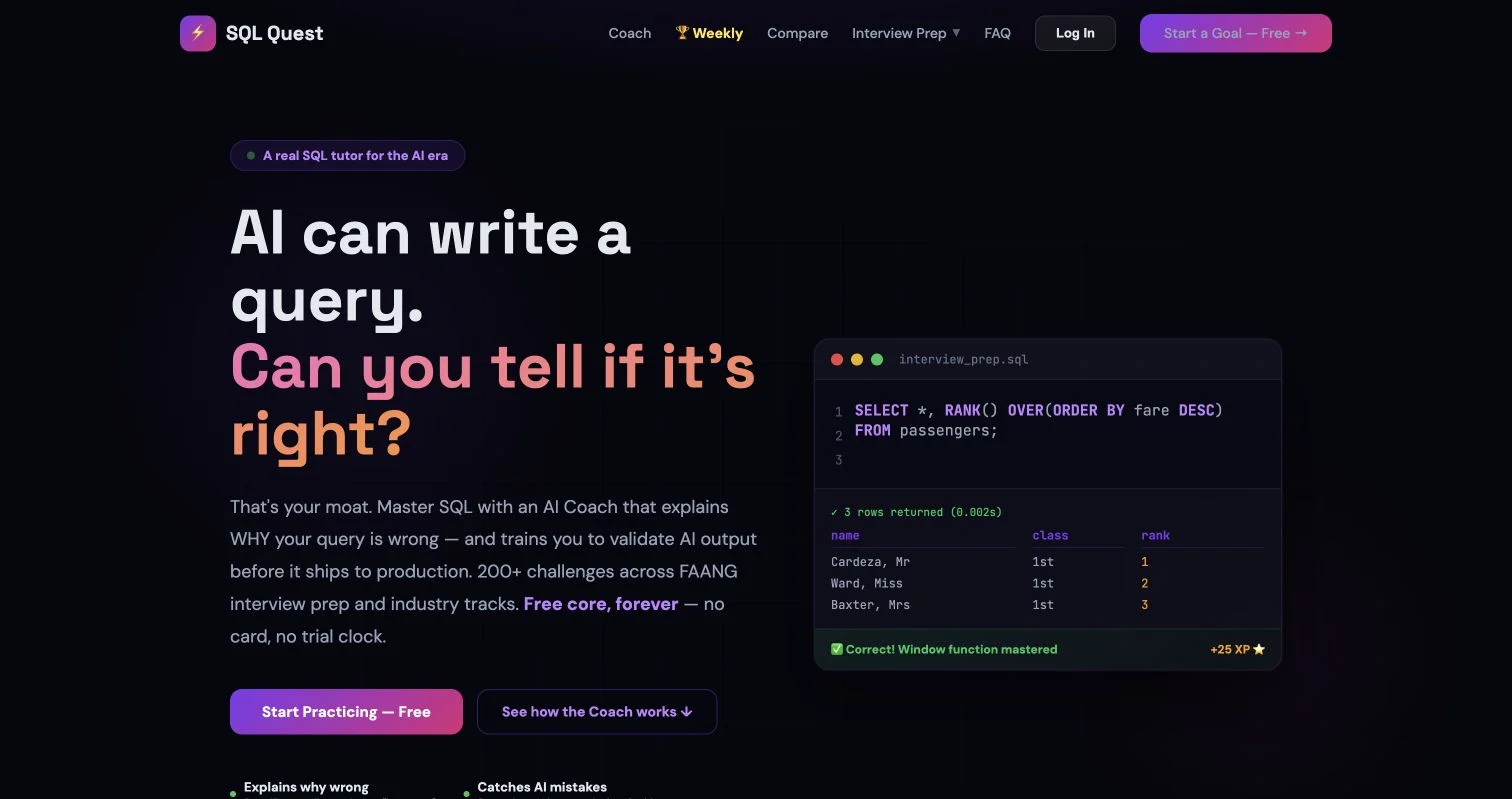
Best AI Tools for SQL Beginners
Compare beginner-friendly AI SQL tools, learn safe text-to-SQL workflows, and verify generated queries with practical examples and tips.
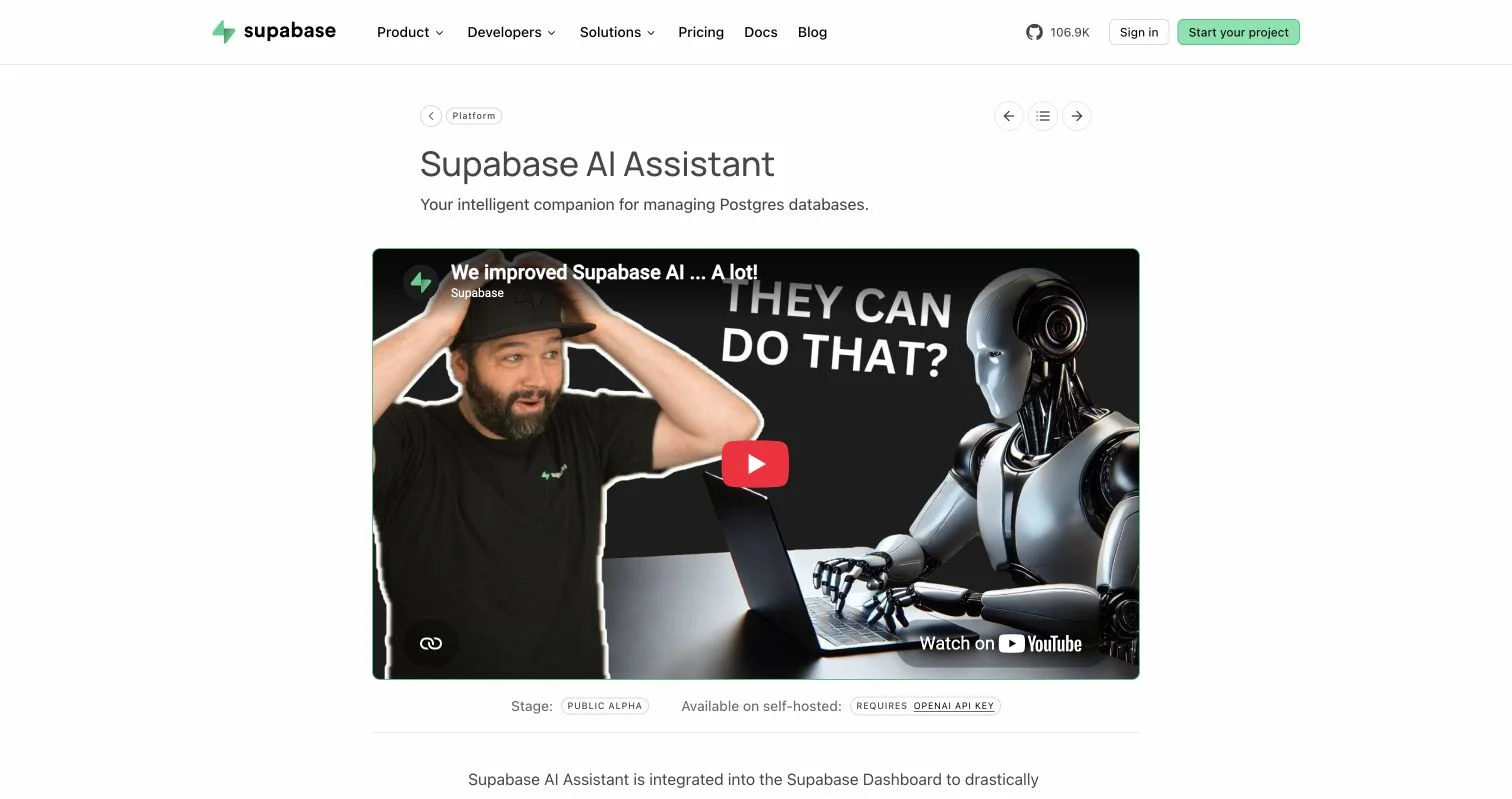
6 Affordable AI SQL Tools for Startups
Compare six affordable AI SQL tools for startups, including costs, use cases, security practices, setup steps, and upgrade signals.